
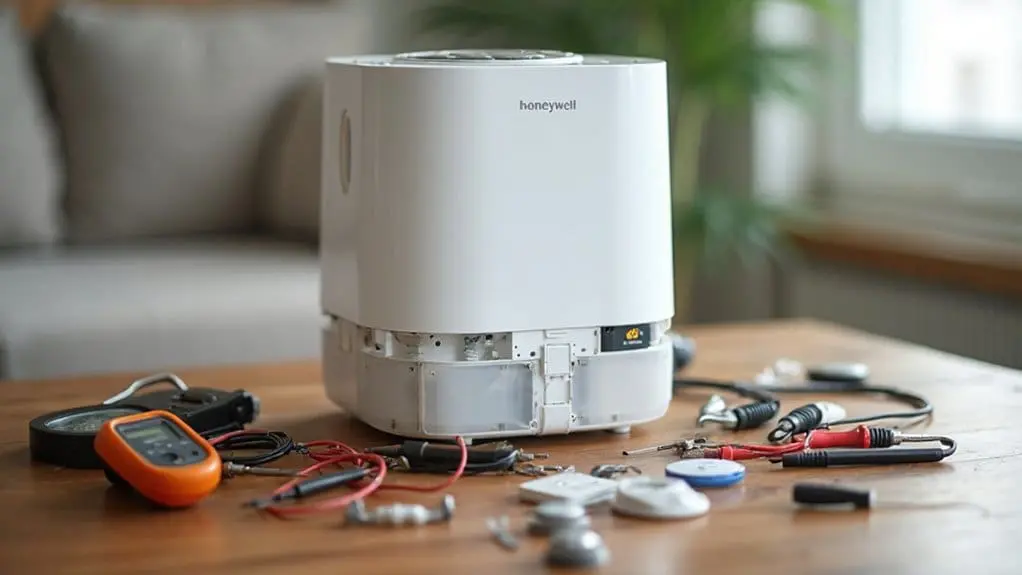
Your Honeywell humidifier‘s failure typically stems from sediment buildup in the saddle valve, control board power delivery issues, transformer voltage output problems, defective drive motors, or damaged humidistat contacts. Start by testing voltage at the outlet and checking your power cord for damage using a multimeter. Verify your water supply valve is fully open, then test the solenoid valve for proper 24V power supply. The systematic diagnostic approach below will guide you through each component replacement safely.
Key Takeaways
- Test electrical components including voltage at outlet, power cord continuity, internal fuse, and control board connections for damage.
- Check water flow by verifying supply valve is open, saddle valve isn’t clogged, and solenoid valve receives proper 24V power.
- Test solenoid valve continuity with multimeter (should read 20-24 ohms) and verify transformer outputs 24V AC power supply.
- Replace water panels showing mineral buildup and descale heating elements in warm mist models to restore proper operation.
- Replace wicking filters every 30-60 days in evaporative units and remove mineral deposits from nebulizers in ultrasonic models.
Common Causes of Honeywell Humidifier Malfunctions
Understanding the root causes of Honeywell humidifier failures requires a systematic diagnostic approach that examines the most frequent failure points in these systems. Your Honeywell humidifier’s water flow problems typically stem from five critical components. First, inspect the saddle valve for sediment and calcium buildup that restricts water supply. Next, examine the control board for power delivery failures that prevent proper system operation. Check the transformer’s 24-volt output to the water inlet valve, as transformer failures eliminate water flow entirely. For drum-style units, evaluate the drive motor’s functionality—defective motors won’t rotate the drum. Finally, test the humidistat’s contact operation, since damaged humidistats can’t regulate water flow cycles. Each component requires specific diagnostic procedures to identify the exact failure point.
Diagnosing Power Supply and Electrical Issues
Before attempting any electrical diagnostics, disconnect your Honeywell humidifier from its power source and turn off the main electrical supply to prevent shock hazards.
Use a multimeter to test voltage at the outlet first. Check your Model’s power cord for visible damage or fraying. Test continuity through the cord using your multimeter’s resistance setting. Examine the internal fuse if your unit contains one—replace if blown.
Check control board connections for loose wires or corrosion. Test the power switch with your multimeter to safeguard proper continuity when activated. If you’re uncomfortable with electrical diagnostics, our trained team ready to answer questions and help you identify power equipment parts solution needs. Our experts are ready to help you get back to ideal humidity levels safely.
Troubleshooting Water Flow Problems
Water flow problems frequently occur when electrical systems appear functional but your Honeywell humidifier still won’t operate properly. First, verify your water supply valve is fully open and the saddle valve isn’t clogged or restricted. Disconnect the water line and manually open the valve to confirm adequate water pressure and flow to the humidifier.
Next, test the solenoid valve for proper 24V power supply and functionality—a stuck or defective solenoid prevents water flow entirely. Verify your humidifier control board provides the necessary 24V signal to the solenoid valve when the system calls for humidity. If the solenoid valve isn’t receiving power, check the humidifier transformer, as a failed transformer disrupts the entire 24V power supply system.
Testing and Replacing Key Components
Once you’ve identified the faulty component through systematic troubleshooting, you’ll need to safely disconnect power before performing any electrical tests or replacements.
| Component | Testing Method |
|---|---|
| Solenoid Valve | Multimeter continuity test (20-24 ohms) |
| Water Panel | Visual inspection for mineral buildup |
| Transformer | Voltage output verification (24V AC) |
We have a trained repair team ready to help finding your model number for precise parts solution in North America. Each specialist follows diagnostic protocols guaranteeing safety-focused procedures. Use your multimeter to test solenoid resistance—readings outside specification indicate replacement necessity. The transformer requires voltage testing under load conditions. Water panels need visual assessment for scaling or deterioration. Professional repair help confirms proper component matching and installation procedures for your specific model.
Step-by-Step Repair Instructions for Popular Models
After completing component testing and confirming replacement needs, specific repair procedures vary considerably between Honeywell’s different humidifier technologies. You’re now ready to tackle model-specific repairs that pros encounter frequently.
Common Repair Sequences:
- Filter-free ultrasonic models – Remove mineral deposits from the nebulizer using white vinegar solution, restoring suitable mist output
- Cool moisture evaporative units – Replace wicking filters every 30-60 days, ensuring appropriate water absorption and airflow
- Warm mist boiling chamber systems – Descale heating elements carefully, maintaining proper temperature regulation
These procedures save significant time and money compared to replacement costs. For complex questions beyond basic maintenance, contact a customer care specialist or visit Repair Clinics VIP email for frequently asked questions. This solution approach works effectively across North America, and pros as well recommend these systematic methods.
Maintenance Tips to Prevent Future Problems
Preventive maintenance schedules dramatically reduce repair frequency and extend your Honeywell humidifier’s operational lifespan. Weekly cleaning protocols should target mineral accumulation points—the nebulizer disc in ultrasonic models, evaporator pad housings in cool-mist units, and heating chambers in warm-mist systems. Replace filters every 30-60 days based on water quality assessments to prevent white dust formation and over-humidification conditions. Inspect solenoid valves, control boards, and transformers monthly—these components are trusted by the pros for reliability diagnostics. Contact a customer care specialist via email for your specific humidifier model’s maintenance requirements. Unlike outdoor power equipment parts, humidifier components require gentler cleaning solutions. The longest-running genuine appliance maintenance programs offer 365 Day Return Policy coverage, ensuring well as the DIY longest-running maintenance success.
Conclusion
You’ve now equipped yourself with the diagnostic arsenal needed to restore your humidifier’s life-giving mist. Like a skilled technician wielding precision instruments, you can systematically isolate electrical faults, clear stubborn blockages, and replace worn components with confidence. Remember—safety glasses shield your eyes, power disconnection protects your circuits, and regular maintenance prevents future breakdowns. Your Honeywell unit will breathe moisture back into dry air, transforming your environment from desert-like conditions to comfortable humidity levels.