
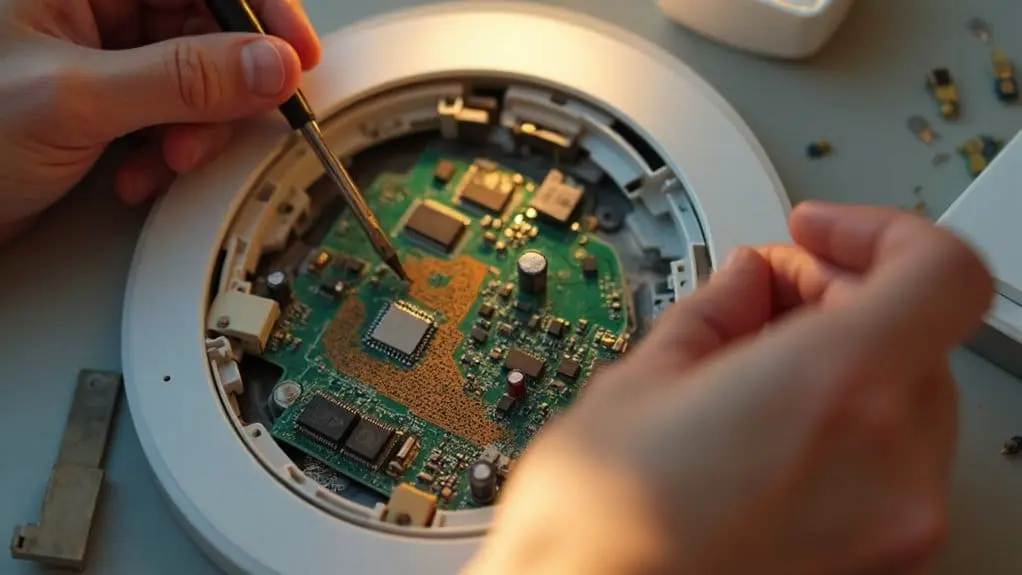
Your programmable thermostat‘s scheduling failures typically stem from power issues, calibration drift, or corrupted settings. Start by checking your battery status and electrical connections, then recalibrate temperature readings against a reference thermometer. Clean internal components of dust buildup, inspect wiring for loose connections, and perform a complete system reboot by removing batteries for 30 seconds. Verify your programming mode matches your HVAC system requirements. These systematic troubleshooting steps will restore reliable automated temperature control and scheduling functionality.
Key Takeaways
- Check power source and battery status, as most programmable thermostat malfunctions stem from electrical connection issues.
- Reboot frozen or unresponsive units by removing batteries for 30 seconds and switching the circuit breaker off briefly.
- Recalibrate temperature sensors by comparing readings to a reference thermometer and adjusting the offset accordingly.
- Clean internal components and display areas where dust accumulation can interfere with proper temperature detection and programming.
- Inspect and tighten wire connections at terminals, as loose or corroded connections disrupt accurate temperature sensing.
Check Power Source and Battery Status
When your programmable thermostat displays a blank screen or exhibits erratic behavior, the power source is typically the first component to investigate. Begin by confirming the thermostat is receiving electricity through its power connection. You’ll notice if the display is illuminated—this indicates proper power flow to the unit.
Next, examine the battery compartment. Even hardwired thermostats often use backup batteries to maintain settings during power outages. Remove the batteries and test their voltage using a multimeter. Replace any batteries showing low charge or corrosion damage.
Check your home’s electrical panel for tripped circuit breakers or blown fuses affecting the thermostat’s circuit. Reset any tripped breakers and replace blown fuses as needed. If your thermostat is set properly but still malfunctioning, inspect the wire connections behind the unit. Loose or damaged wiring between the thermostat and HVAC system frequently causes a malfunctioning thermostat to lose power intermittently.
Recalibrate Your Thermostat for Accurate Temperature Readings
After confirming your thermostat receives adequate power, you’ll need to validate it’s reading room temperature accurately. Place an AC-specific thermometer near your thermostat and compare readings after fifteen minutes. If temperatures differ by more than two degrees, recalibration is necessary.
Consult your thermostat manual for specific recalibration procedures, as methods vary by model. Most digital units feature calibration settings accessible through the programming menu. You’ll typically adjust the temperature offset to correspond with your reference thermometer’s reading.
For older round-dial thermostats, check that the unit sits level on the wall. The internal mercury switch requires proper positioning to function correctly. Remove the thermostat cover and use a small level to verify alignment.
Technical glitches in the temperature sensor can cause programming failures and inaccurate readings. Recalibration resolves these issues and guarantees your thermostat reaches desired set temperatures. This maintenance task is essential for proper system operation and energy efficiency.
Clean Internal Components and Display
Accumulated dust and debris inside your thermostat’s housing can interfere with sensor accuracy and disrupt normal operation. Dirt buildup on internal components causes incorrect temperature readings and prevents your thermostat from reaching set temperatures effectively.
Begin by removing the thermostat faceplate carefully to access internal components. Use gentle motions to avoid damaging delicate parts during cleaning.
- Wipe away dirt from internal components using a soft brush
- Clean the thermostat display to remove obstructions and guarantee clear temperature readings
- Focus on sensor areas where dust accumulation affects temperature detection
- Remove debris from wire connections and terminal points
- Check for corrosion or buildup around battery compartments
Gently clean the faceplate exterior and display screen with appropriate cleaning materials. This maintenance step is pivotal for your HVAC system’s performance accuracy. Regular thermostat cleaning prevents sensor malfunctions and maintains proper communication between your programmable unit and heating/cooling equipment, confirming reliable temperature control throughout your home.
Address Wiring Problems and Loose Connections
Most thermostat malfunctions stem from compromised electrical connections that disrupt communication between your programmable unit and HVAC system. You’ll need to examine the thermostat wiring for corrosion, dirt accumulation, and loose terminal connections that interrupt electrical flow.
Start by shutting off power at the circuit breaker before removing your thermostat’s faceplate. Inspect each wire connection at both the thermostat and control board terminals. Look for green corrosion on copper wires, which indicates moisture damage. Clean corroded connections with fine sandpaper and tighten loose terminal screws.
Check for damaged wire insulation that could cause short circuits. If you discover multiple corroded connections or complex wiring problems, you’ll need professional intervention. An HVAC technician can perform detailed rewiring and control board diagnostics.
Addressing these electrical issues restores accurate temperature sensing and programming functionality, eliminating the frustrating temperature fluctuations that prevent your system from reaching desired settings.
Reboot Your Frozen or Unresponsive Thermostat
When your programmable thermostat becomes completely unresponsive or displays a frozen screen, you’ll need to perform a system reboot to restore normal operation. This troubleshooting step resolves software glitches and memory errors that prevent proper functioning.
Follow these reboot procedures:
- Remove batteries – Pull out all batteries for 30 seconds to discharge residual power completely
- Switch circuit breaker off – Turn off the HVAC system’s breaker for one minute to reset electrical connections
- Press and hold reset button – Use a paperclip to depress the recessed reset button for 10 seconds
- Reinstall power sources – Replace batteries first, then restore circuit breaker power
- Wait for initialization – Allow 2-3 minutes for the system to complete its startup sequence
After rebooting, your thermostat should display the main screen and respond to button presses. If problems persist after multiple reboot attempts, you’re likely dealing with hardware failure requiring a new thermostat installation. This systematic approach gets your system up and running efficiently.
Verify Programming Settings and Mode Configuration
After completing a system reboot, you’ll need to examine your thermostat’s programming settings and operational mode to affirm they’re configured correctly for your heating and cooling needs.
First, confirm your thermostat is set to the appropriate operational mode—heat, cool, or auto—matching your current seasonal requirements and desired temperature control.
Next, review your programmed schedule to guarantee temperature setpoints align with your daily routine and weekly patterns. Incorrect programming often causes heating and cooling systems to operate at undesired times or temperatures.
Verify your thermostat displays accurate time and date information. Programming schedules depend on precise timekeeping to function properly.
Check for active hold settings that might override your programmed schedule. These temporary overrides can prevent automatic temperature adjustments.
If your unit features smart connectivity, confirm it’s connected to your home network and verify the companion mobile app is updated to the latest version for peak programming functionality.
Inspect and Maintain Your HVAC System
A malfunctioning thermostat often stems from underlying HVAC system issues rather than the control unit itself. Your heating and cooling equipment must operate correctly for temperature commands to execute properly. When your HVAC system components fail or perform inefficiently, even perfectly programmed thermostats can’t maintain desired temperatures.
Perform these essential maintenance checks to guarantee efficient system operation:
- Replace air filters monthly – Clogged filters restrict airflow and force equipment to work harder
- Inspect ductwork connections – Loose joints cause conditioned air loss and temperature inconsistencies
- Clean condenser coils – Dirty coils reduce cooling efficiency and strain compressor operation
- Check refrigerant levels – Low refrigerant prevents proper heat transfer in cooling systems
- Verify electrical connections – Loose wiring causes intermittent operation and communication errors
If these steps don’t resolve thermostat performance issues, contact a professional technician. Complex HVAC system repairs require specialized tools and expertise to diagnose component failures accurately.
Relocate Your Thermostat Away From Heat Sources
Improper thermostat placement creates false temperature readings that prevent your programmable unit from maintaining consistent comfort levels throughout your home. When your thermostat’s located near heat sources, it’ll trigger premature cooling cycles or prevent heating when needed.
You’ll need to relocate your thermostat to an interior wall at eye level, away from direct sunlight, drafts, and vents. Avoid positioning it near windows, doorways, or areas experiencing rapid temperature fluctuations. Kitchen appliances, lamps, televisions, and other electronics generate heat that’ll interfere with accurate readings.
Check your current placement against these criteria. If you’ve identified problematic positioning, turn off power to your HVAC system before removal. Heat pumps particularly benefit from proper thermostat placement since they operate differently than traditional systems. Mount the unit where it can detect true ambient temperature without external influences. This relocation often resolves scheduling inconsistencies and improves your system’s overall performance efficiency.
Replace Your Outdated Thermostat Model
Outdated analog thermostats lack the precision and programmable features necessary for ideal HVAC performance in modern homes. When your current system can’t maintain consistent temperatures or won’t accept programming, replacement becomes the most effective solution.
Modern digital models transform your heating and cooling management through advanced capabilities:
- Energy Star certification delivers up to 20% savings on utility costs
- Wi-Fi connectivity enables remote monitoring and adjustments via smartphone apps
- Programmable scheduling automatically adjusts temperatures based on your daily routine
- Smart home integration connects with existing automation systems for seamless control
- Precise temperature sensors maintain accuracy within 1-2 degrees versus analog’s 5-degree variance
Professional installation guarantees proper wiring configuration and system compatibility. Technicians verify your HVAC system’s voltage requirements, test communication protocols, and calibrate sensors for maximum performance. This prevents common issues like short cycling, temperature drift, and programming failures that often result from improper DIY installations.
Conclusion
You’ve tackled the diagnostic checklist systematically—from power verification to component replacement. Like a mechanic fine-tuning an engine, you’ve addressed each potential failure point methodically. If you’ve followed these troubleshooting steps and your thermostat still won’t maintain its programming schedule, you’re likely dealing with internal circuit board failure or incompatible HVAC system communication protocols. At this juncture, you’ll need professional diagnostic equipment or complete unit replacement to restore automated climate control functionality.